
If you’re stepping into the world of coding, you’ve probably come across the term web development toolkits. But what exactly does it mean? Simply put, a web development toolkit is a collection of tools, frameworks, libraries, and utilities that help developers build websites and web applications faster, more efficiently, and with fewer errors. Think of it like a toolbox: instead of having to make each tool from scratch, you have everything you need ready to use.
Whether you’re a beginner just learning HTML or CSS, or an experienced developer building complex full-stack applications, having the right toolkit can make a huge difference. In this detailed guide, we’ll walk you through everything about web development toolkits—what they are, the essential components, popular options, and how to choose the right one for your projects.
What Are Web Development Toolkits?
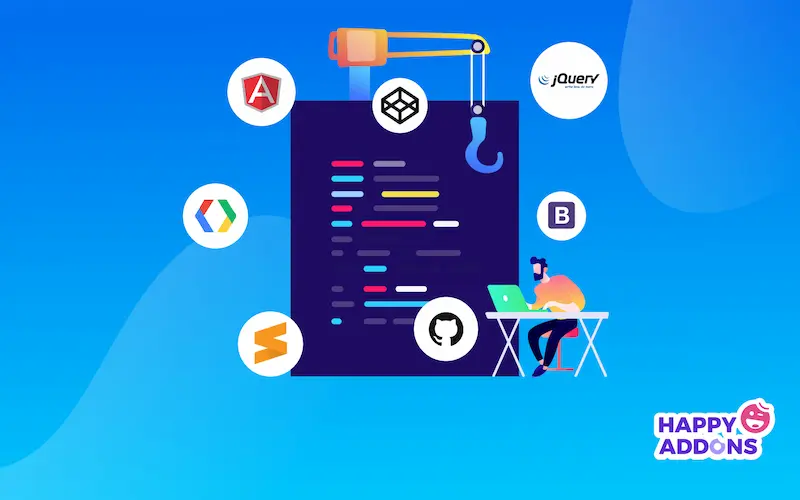
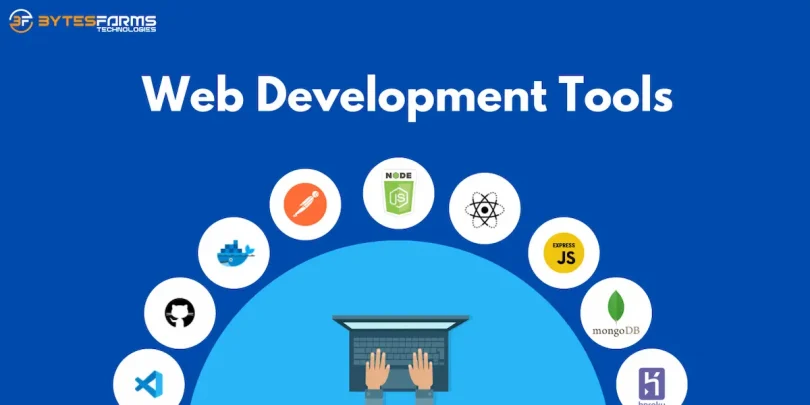
A web development toolkit is more than just a single program. It’s a combination of software tools that streamline the process of creating websites and web applications.
Key benefits of using a web development toolkit include:
- Efficiency: Prebuilt tools and libraries save time.
- Consistency: Standardized components maintain uniformity in design and functionality.
- Error Reduction: Debugging and testing tools help catch issues early.
- Collaboration: Version control systems allow multiple developers to work on a project simultaneously.
In essence, a toolkit simplifies the workflow, letting you focus on building features rather than reinventing the wheel.
Core Components of Web Development Toolkits
A complete web development toolkit typically includes several core components. Here’s a deeper look at each:
1. Code Editors and IDEs
The first tool in your toolkit is the code editor or integrated development environment (IDE). This is where you write and manage your code.
- Visual Studio Code (VS Code): Lightweight, highly customizable, with an extensive library of extensions.
- Sublime Text: Fast, simple, and perfect for quick edits.
- Atom: Open-source and hackable, ideal for collaborative coding.
These editors often provide syntax highlighting, auto-completion, and debugging features that save you time.
2. Frontend Frameworks
Frontend frameworks help you create interactive and visually appealing interfaces.
- React.js: Developed by Facebook, it’s component-based, making reusable UI elements easy.
- Angular: A full-featured framework by Google for building large-scale applications.
- Vue.js: Lightweight, easy to learn, and perfect for small to medium projects.
Frameworks reduce repetitive coding and allow your site to be more responsive and dynamic.
3. Backend Frameworks
Backend frameworks handle the server side of your application, including database interactions, APIs, and authentication.
- Node.js: JavaScript runtime for server-side development.
- Django: Python-based framework with built-in admin panels and security features.
- Ruby on Rails: Offers conventions and structure for rapid application development.
Using backend frameworks ensures scalability and smooth functionality of your applications.
4. Version Control Systems
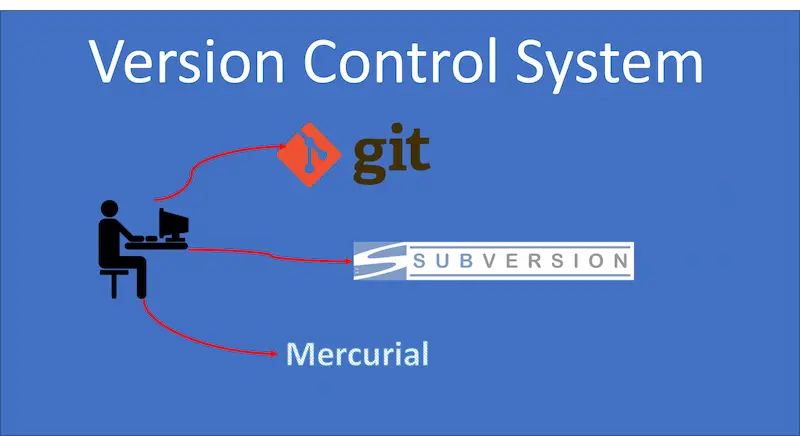
Version control systems allow you to track changes and collaborate efficiently.
- Git: A distributed version control system used for tracking code changes.
- GitHub / GitLab / Bitbucket: Platforms to host your repositories, collaborate with teams, and deploy projects.
Version control prevents errors and makes collaboration seamless.
5. Testing Tools
Testing ensures your website works correctly across devices and browsers.
- Jest: JavaScript testing framework for frontend and backend.
- Selenium: Automates browser testing for end-to-end validation.
- Mocha & Chai: Flexible frameworks for unit testing in JavaScript.
Testing tools are crucial for delivering a stable and user-friendly web application.
6. Package Managers
Package managers handle libraries, dependencies, and updates, saving you from manually downloading every library.
- npm (Node Package Manager): Most popular for JavaScript projects.
- Yarn: Alternative to npm, with faster installation and dependency management.
They ensure your project uses the correct versions of each library and make updates simple.
7. Deployment Tools
Once your website is ready, deployment tools help you put it online.
- Netlify: Fast and simple deployment for static websites.
- Vercel: Excellent for frontend projects with serverless functions.
- Heroku: Full-stack deployment platform with support for multiple languages.
These tools automate the deployment process and often include features like CDN and SSL integration.
Popular Web Development Toolkits
Here are some of the most widely used toolkits in modern web development:
1. MEAN Stack
- MongoDB, Express.js, Angular, Node.js
Ideal for full-stack JavaScript development. Offers scalability and a unified language across frontend and backend.
2. MERN Stack
- MongoDB, Express.js, React, Node.js
Similar to MEAN but uses React for the frontend. Perfect for building dynamic and interactive applications.
3. LAMP Stack
- Linux, Apache, MySQL, PHP
A classic toolkit for server-side applications. Still popular for CMS websites like WordPress.
4. Bootstrap Toolkit
A frontend toolkit that simplifies responsive design with prebuilt CSS and JavaScript components. Great for quickly designing mobile-friendly websites.
5. WordPress Toolkit
Offers an ecosystem of themes, plugins, and hosting options. Ideal for those looking to create websites quickly without deep coding knowledge.
You may also like to read this:
Best Dev Tools For Beginners – Start Coding Today
Top Developer Tools 2026 For Modern Programmers
Best Coding Productivity Tools Every Developer Needs
Free Dev Tools Online – Boost Your Coding Skills For Free
Essential Programming Tools Every Developer Must Know Today
How to Choose the Right Web Development Toolkit
Choosing a toolkit depends on your goals, project complexity, and skill level:
- Beginners: Start with HTML, CSS, JavaScript, and Bootstrap to learn the fundamentals.
- Full-Stack Projects: MERN or MEAN stacks are excellent for modern web applications.
- Enterprise Applications: Django or Ruby on Rails offer robust frameworks for large-scale projects.
- Rapid Website Deployment: WordPress or Wix toolkits are perfect for speed and simplicity.
Consider your project requirements, learning curve, and community support before committing to a toolkit.
Tips for Using Web Development Toolkits Effectively
- Learn the basics first: Understanding HTML, CSS, and JavaScript will make advanced frameworks easier to grasp.
- Use version control: Always track changes using Git to prevent loss of work.
- Leverage libraries and plugins: Reusable code saves time and reduces errors.
- Test frequently: Check your applications on multiple browsers and devices to ensure compatibility.
- Stay updated: Toolkits evolve quickly; keep an eye on updates, security patches, and new features.
Conclusion
Mastering web development toolkits is essential for anyone who wants to build modern, efficient, and user-friendly websites. By choosing the right toolkit for your skill level and project needs, you can speed up development, reduce errors, and create high-quality applications. Whether you’re developing a personal portfolio, an e-commerce site, or a complex web application, the right toolkit is your most powerful ally.
Start exploring toolkits today, experiment with different frameworks, and you’ll quickly find which ones fit your workflow best.
FAQs About Web Development Toolkits
Q1: Are web development toolkits only for professional developers?
No. Beginners can start with HTML, CSS, JavaScript, and frontend frameworks like Bootstrap or React.
Q2: Which toolkit is best for full-stack web development?
MERN (MongoDB, Express, React, Node.js) is popular for full-stack JavaScript projects, but MEAN is also a strong option.
Q3: Do I need multiple toolkits for one project?
Not necessarily. Choose a toolkit that meets your project requirements, but combining tools is possible for more complex projects.
Q4: Are web development toolkits free?
Many toolkits are open-source and free, such as React, Node.js, Django, and Bootstrap. Some offer premium versions with extra features.
Q5: How can I stay updated with toolkit changes?
Follow official websites, GitHub repositories, blogs, and developer communities to stay informed about updates and best practices.